🔴 Issue: Purify Button Blinking (Prime)Updated 3 months ago
1️⃣ Troubleshooting Steps
1. Symptom Check
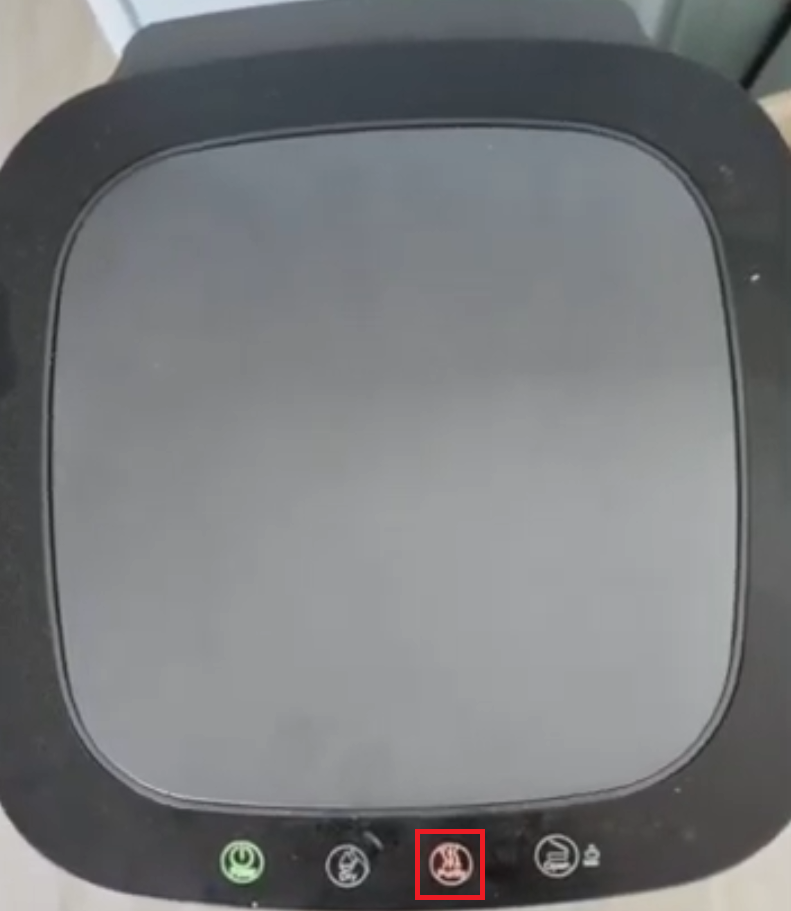
- Confirm that the Purify button is blinking, beeping, or flashing.
- Please refer to the video : Purify Button Issue Video 👈Click Here
2. Watch the video below and check whether self-repair is possible for you.
- Fan Motor Replacement Video 👈Click Here
2️⃣ Please check your results
1. Self-repair comfort
- Are you comfortable following the guide video to replace the fan motor yourself?
| Self-Repair Status | Action |
| ❌ Not possible | Please continue to Step 3 below and let us know — we'll gladly explore alternative solutions to resolve the issue for you. |
| ✅ Possible |
Please continue to Step 3 below and share your order details so we can confirm your warranty status. |
3️⃣ Please submit the following
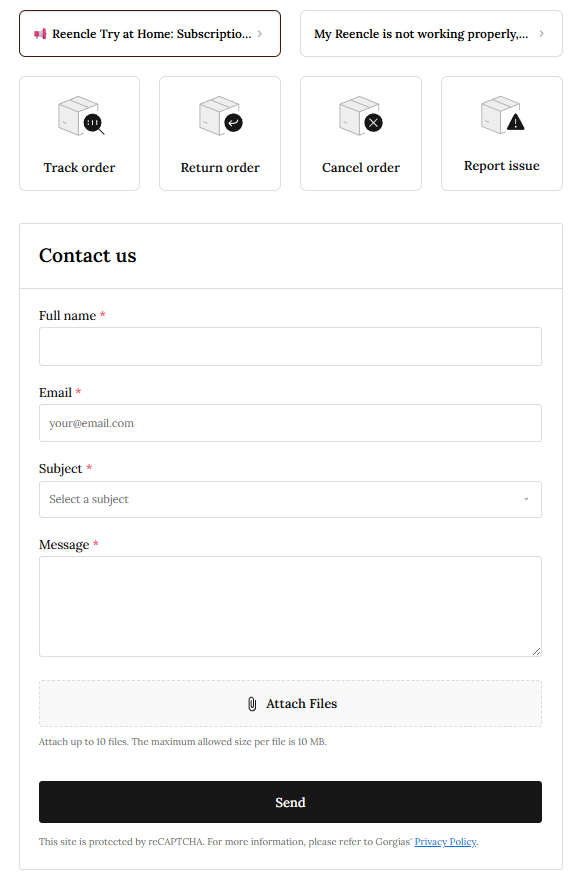
1. Click 👉"Contact Form" 2. Fill out "Full name" and "Email" 3. Select "Report issue" as the subject 4. Include the following in the message box
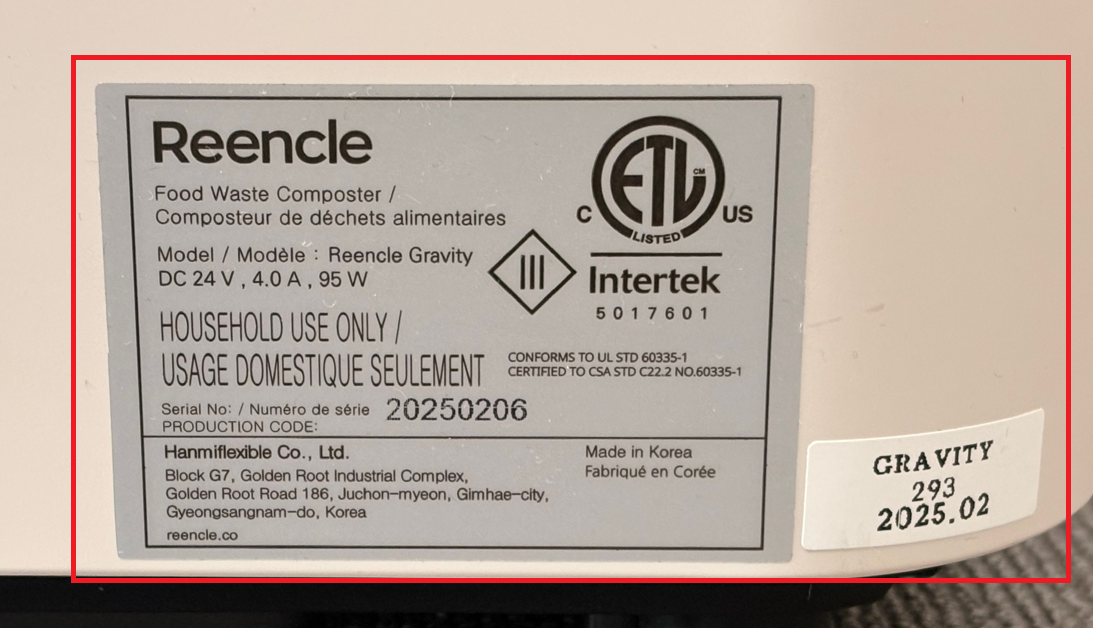
5. Attach the following photo directly using the "Attach Files" button
6. Issue video link Since video files are often larger than the form's 10MB limit, please upload to Google Drive or a similar file-sharing service, set sharing to "Anyone with the link" and paste the link in the message box. |
🔵 Alternative
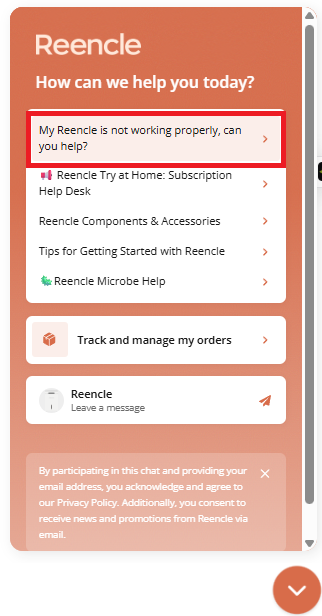
1. Click the orange chat icon (bottom right)

2. Select an option from the chat widget to get help right away